
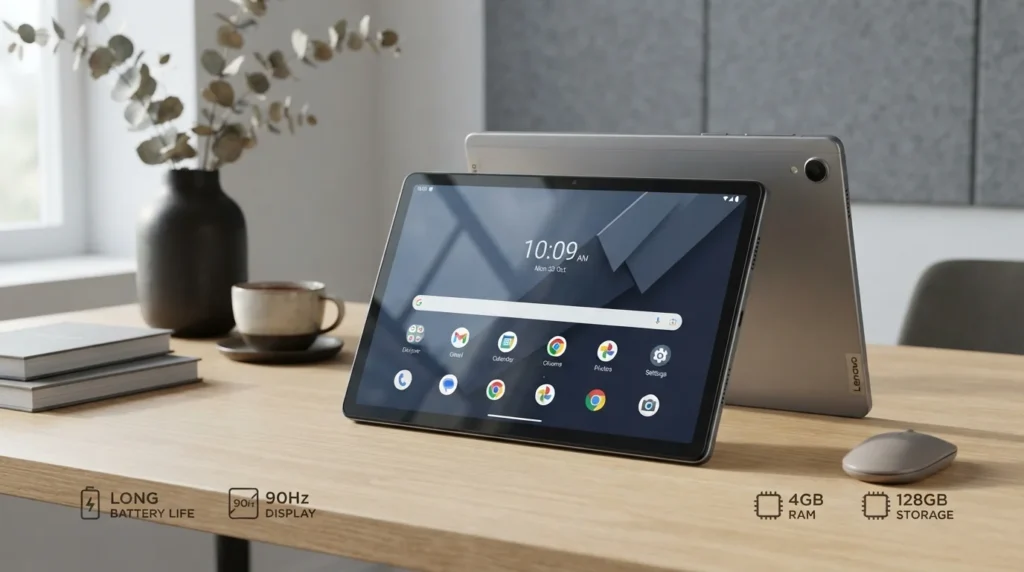
Lenovo Tab M11 Android Tablet RAM 4GB 128GB Luna Grey
If you want a tablet for streaming, school, note-taking, browsing, and everyday apps without spending too much, the Lenovo Tab M11 deserves a closer look. This Lenovo M11 tablet combines 4GB RAM, 128GB storage, an 11-inch display, Android, and a MediaTek Helio G88 processor in a slim Luna Grey body. Lenovo rates the battery for up to 10 hours of video playback, while the 90Hz screen and four Dolby Atmos speakers make the tablet more enjoyable for entertainment.
Lenovo Tab M11 Overview
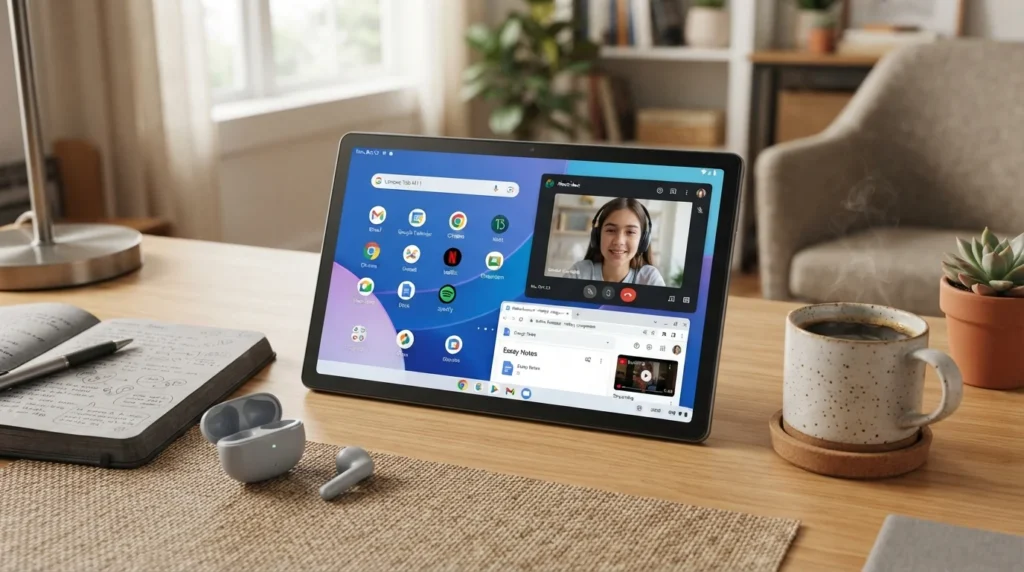
The Lenovo Tab M11 Android tablet targets people who want a practical device for everyday use. The 4GB 128GB configuration gives you enough memory for common apps, while the 128 GB eMMC storage gives you useful space for photos, documents, downloads, and videos. You can also add a microSD card with support for up to 1TB on supported models.
The MediaTek Helio G88 octa-core processor uses two performance cores and six efficiency cores. That makes the M11 tablet suitable for browsing, streaming, video calls, schoolwork, and light gaming. Lenovo launched the tablet with Android 13 and states that the Tab M11 line should receive upgrades through Android 15, with security patches planned through January 2028.
Lenovo M11 Tablet Design
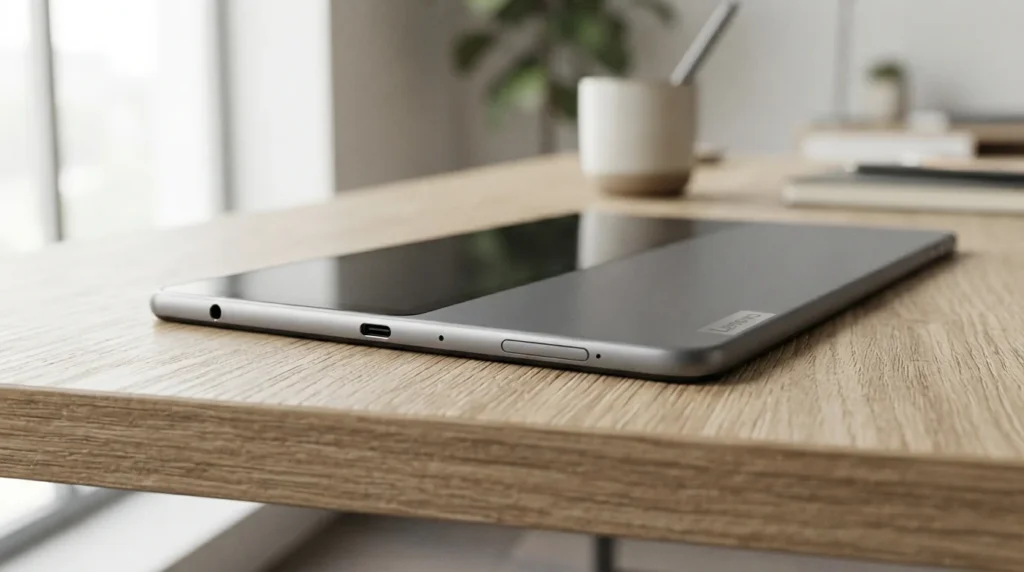
The Lenovo M11 tablet has a simple, modern look that works well at home, school, or work. The Luna Grey color gives it a clean appearance, while the metal body adds a more refined feel than many basic budget tablet designs. Lenovo lists the tablet at about 7.15mm thick and around 465g, so it remains light enough to hold for reading or watching videos.
The slim shape also makes the tablet convenient for portable use. You can carry it in a backpack without adding much weight. The USB-C port handles charging and data transfer, and the tablet also includes a 3.5mm headphone jack and a card slot.
M11 Tablet Build Quality
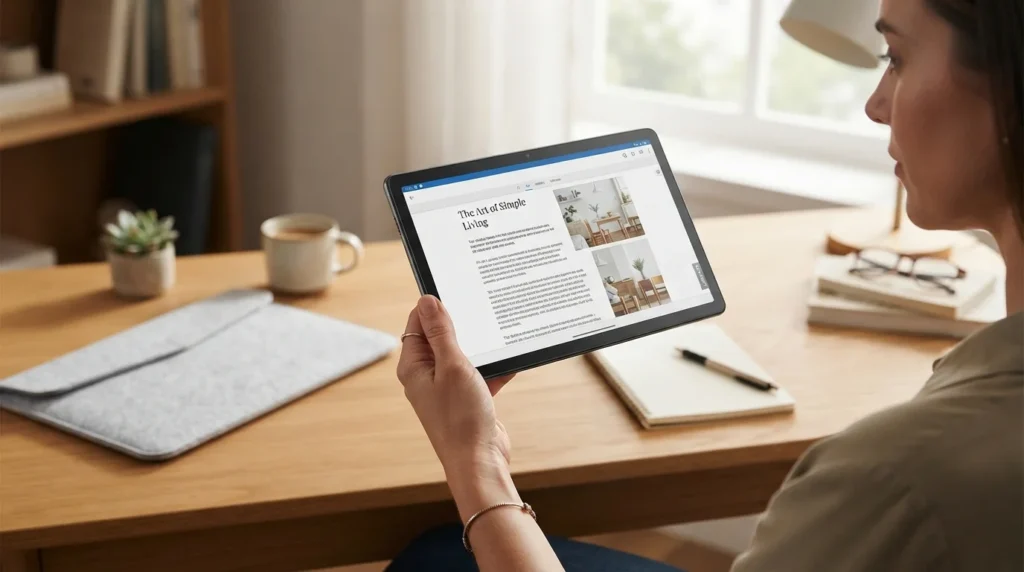
Build quality matters when you plan to use a tablet every day. The M11 tablet uses a metal case and includes an IP52 rating on listed configurations, which adds some protection against dust and limited water exposure. It is not a rugged tablet, so you should still keep it away from spills and heavy moisture.
The overall design feels focused on practical daily use rather than premium luxury. The sleek dual-tone look, slim profile, and manageable weight make it comfortable for reading, browsing, streaming, and study sessions. If you want a tablet for school, the optional Lenovo Tab Pen can also support handwriting and smart note-taking on compatible configurations.
Lenovo Tab M11 128GB Storage
The Lenovo Tab M11 128GB version gives you 128GB of built-in eMMC 5.1 storage. That capacity works well if you keep a mix of apps, documents, photos, and downloaded entertainment on your tablet. If you regularly save large videos or lots of files, the microSD slot gives you another option for expanding storage. Lenovo lists support for microSD cards up to 1TB on supported configurations.
| Feature | Lenovo Tab M11 4GB 128GB |
|---|---|
| Storage | 128GB eMMC 5.1 |
| RAM | 4GB LPDDR4X |
| Processor | MediaTek Helio G88 |
| Display | 11-inch WUXGA |
| Refresh rate | 90Hz |
| Battery | 7040mAh typical |
| OS | Android 13 or later |
| Color | Luna Grey |
For buyers comparing a 128 GB budget tablet with alternatives such as a Samsung Galaxy Tab, storage capacity should not be your only consideration. Screen quality, software, speakers, battery life, and pen support also affect your everyday experience.
4GB RAM Performance
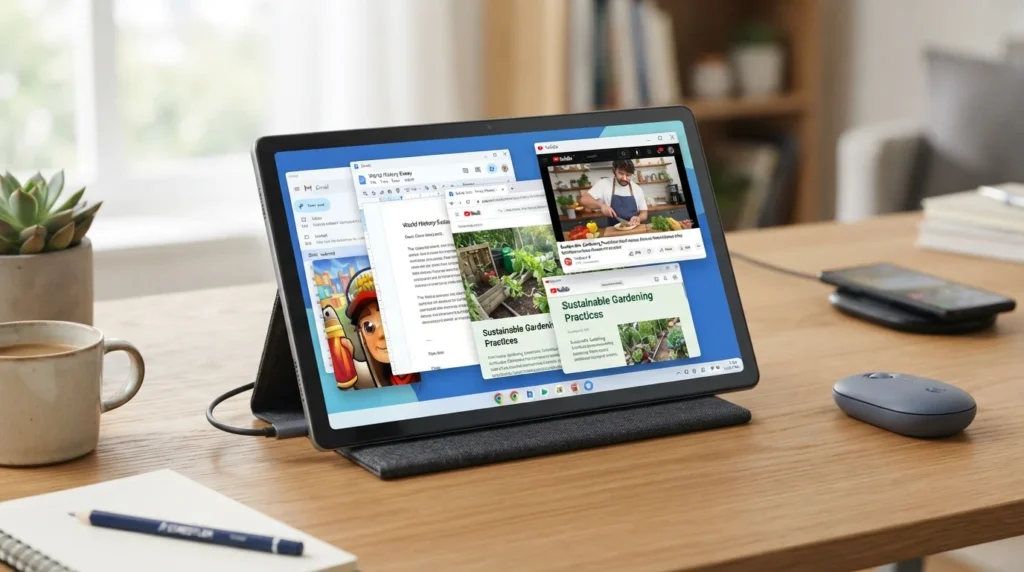
The 4GB RAM configuration suits normal tablet tasks, but you should set realistic expectations. You can browse the web, watch videos, use social apps, attend online classes, read documents, and switch between common apps. However, heavy multitasking can push 4GB RAM harder than an 8GB model.
The Helio G88 provides an octa-core setup with two Cortex-A75 cores up to 2.0GHz and six Cortex-A55 cores up to 1.8GHz, paired with Mali-G52 graphics. This setup supports everyday apps and some gaming, but it does not target demanding high-end games or intensive creative workloads.
If you mainly want a tablet for everyday use, streaming, study, reading, and casual apps, 4GB of RAM can make sense. If you regularly use many demanding apps together, consider an 8GB configuration instead.
Lenovo M11 Battery Life
Battery life is one of the practical strengths of the Lenovo M11. The tablet uses a 7040mAh battery, and Lenovo’s published figures list up to 10 hours of video playback, up to 10 hours of web browsing, and up to 50 hours of music playback under its test conditions.
Your real battery life will change with brightness, Wi-Fi use, apps, screen refresh rate, and what you do on the tablet. Streaming for several hours can use more power than reading an ebook, for example.
The phrase long-lasting replaceable battery can cause confusion here. The battery is built into the tablet and is not designed as a user-replaceable battery. For everyday use, however, the 7040mAh capacity gives you useful all-day battery potential depending on your workload.
Lenovo M11 Tablet Display
The Lenovo Tab M11 11 uses an 11-inch WUXGA IPS display with a 1920 x 1200 resolution and a 90Hz refresh rate. Lenovo lists up to 400 nits brightness and a 72% NTSC color gamut for the specified configuration.
The 90Hz refresh rate helps scrolling feel smoother when you browse websites or move through supported apps. The 16:10-style screen also gives you useful space for documents, videos, reading, and schoolwork.
For longer reading sessions, Lenovo includes features such as an immersive reading mode on supported software experiences. You can also use the tablet for immersive entertainment, especially when you combine the screen with its four speakers and Dolby Atmos optimization.
Lenovo Tab M11 Features
The Tab M11 offers more than basic browsing and video playback. Its four speakers receive Dolby Atmos optimization, which can make movies, music, and streaming content more engaging. The tablet also supports a Lenovo Tab Pen on compatible models, giving students and note-takers another way to write, draw, and doodle.
Lenovo also highlights tools and use cases such as Nebo, MyScript Calculator 2, Smart Scanner, translation features, Family Link, and WPS-related productivity. These features can help students can learn, organize notes, translate text, scan documents, and handle simple work tasks.
You may also see phrases such as ambient, tilt support, calculator 2, and focus on me-time in promotional material. Some features depend on the app, software version, pen, or regional configuration, so check the exact package before you buy.
Is the Lenovo M11 Worth It?
The Lenovo M11 makes sense if you want a budget tablet for streaming, school, reading, browsing, video calls, note-taking, and casual entertainment. Its 11-inch 90Hz display, 7040mAh battery, Dolby Atmos speakers, 4GB RAM, and 128GB storage give you a balanced set of features for everyday use.
It also offers useful extras such as microSD expansion, USB-C, optional pen support, and a lightweight metal design. You should not expect flagship-level performance from the Helio G88, especially for demanding gaming or heavy multitask workloads.
If you decide to buy Lenovo, compare the exact model number, RAM, storage, included accessories, warranty, and regional software support. Check Lenovo UK or an authorized Lenovo reseller for the configuration available in your market. You can also check the Lenovo Pro Community for user discussions and product support. The right choice ultimately depends on whether you need a simple Android tablet for everyday tasks or a more powerful device for demanding work.